

I work the day shift at the hospital and come home most evenings to sit down at my desk, switch on my Logitech MK345 wireless keyboard and mouse, and do another two hours of charting. By the time I get there I am already tired, my lower back is tight, and the last thing I need is friction at my desk. But that is exactly what I had been living with for months.
The setup was a mess. I had a corded keyboard shoved against the left side of my monitor, a wired mouse with a cable that draped across the surface to a USB hub on the right, and a separate charging cable for my phone running through the middle of everything. Every single time I reached for my coffee or shifted to grab a pen, something got yanked. Once I knocked the mouse clean off the desk onto the floor. The cord pulled the USB hub halfway across the surface with it.

I had looked at cable management solutions. Velcro ties, cable clips, those little sticky adhesive channels that are supposed to route wires along the edge of a desk. I bought a pack of the adhesive clips once. Half of them fell off the wood surface within a week. The other half I peeled off because they looked worse than the cables.
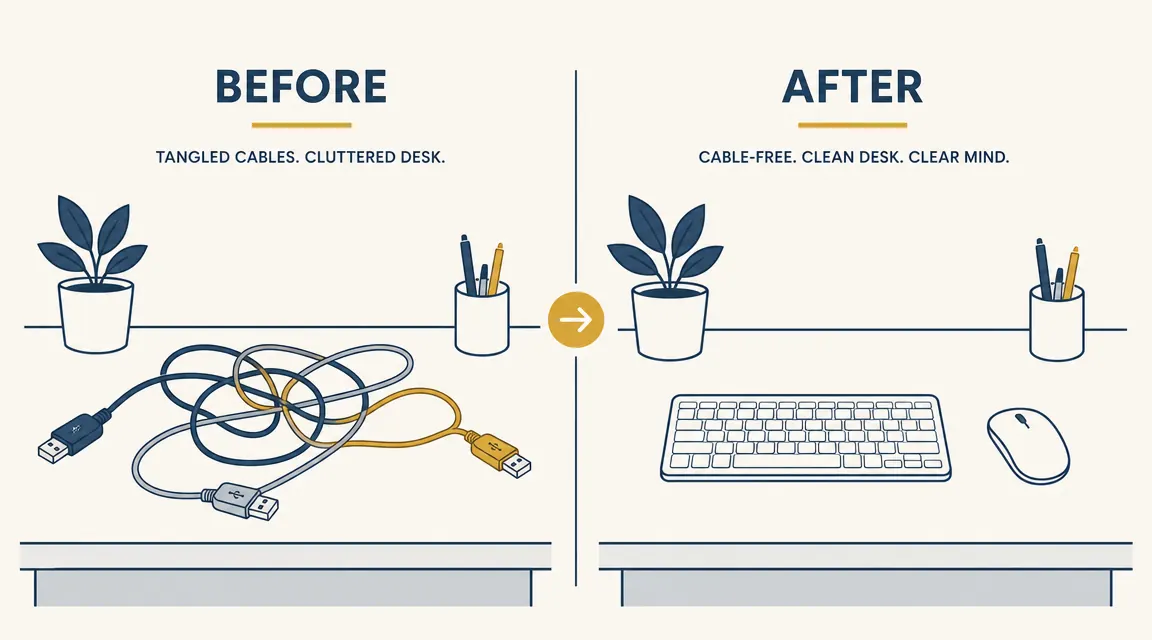
What nobody told me, and what I eventually figured out on my own, is that cable management is the wrong problem to solve. The problem is having cables in the first place. If you remove the cables from the input devices you use most, the desk goes quiet on its own. You do not need clips or channels or velcro ties. You just need a wireless keyboard and mouse.
Removing the cables from the devices you touch most is faster and cheaper than any cable management kit. I wish someone had just said that directly.
I picked up the Logitech MK345 wireless combo after reading through a long thread of people asking the same question I had: what is the simplest, most reliable way to go wireless without spending a lot. The MK345 kept coming up. 41,000 reviews on Amazon. Under $35 at current prices. Full-size keyboard with a built-in palm rest, full-size right-handed mouse, single USB nano receiver that runs both devices. That is it. Plug the receiver in and you are done.

Setup took less than ten minutes, and most of that time was me untangling the old cords so I could throw them in a drawer. I plugged the nano receiver into a USB port on the back of my monitor, put two AA batteries in the keyboard and one in the mouse, and both connected instantly. No software, no drivers, no pairing process. I typed a few sentences to test the keyboard and it felt surprisingly solid, with a cushioned palm rest that my old keyboard definitely did not have.
Your desk cables are a solvable problem, and the fix is under $35.
The Logitech MK345 wireless combo uses a single USB nano receiver for both keyboard and mouse. No pairing, no software, no cables draped across your desk surface.
Amazon Check Today's Price on Amazon →The palm rest was something I did not realize I needed until I started using it. After a long shift on your feet, sitting down and placing your hands on a padded surface to type feels noticeably better than resting your wrists on a hard keyboard edge. It is a small thing and I would not have paid extra for it separately, but having it built in is one of those quiet wins that adds up over a two-hour charting session.
Battery life has not been a concern at all. The keyboard is rated for about two years of normal use on two AAs. I have had the set for several months now and have not replaced anything yet. The mouse is supposedly good for around a year. There is also a sleep mode that kicks in automatically when you step away, which probably helps.
If I am being honest, the mouse is the weaker half of the combo. It works perfectly well for charting and everyday tasks, but it is not a precision mouse. If you do detailed graphics work or need very fine cursor control, you would notice the limits. For document work, browser use, and clicking through EHR fields, it is completely adequate. I have had zero complaints.
The signal range has been solid in my small home office. The nano receiver is plugged into my monitor rather than my laptop, and I sometimes type from a few feet away when I am reviewing notes before sitting down. No dropouts, no lag. The 2.4 GHz connection is stable and I have not noticed any interference from the router sitting about six feet away.
What I'd Tell You If We Were Sitting at My Kitchen Table
If you came over for coffee and told me your desk felt cluttered and annoying to work at, I would not suggest cable channels or management kits. I would say: go look at how many wired input devices you have on the surface. Keyboard, mouse, maybe a headset. Those are the things you touch constantly, and they are the things pulling other things around every time you move your hand. Replacing the keyboard and mouse with a wireless combo removes the main source of cable chaos without you having to route or hide a single wire.
The Logitech MK345 is not the most exciting piece of gear on the market. It is not trying to be. It is the boring, reliable answer to a specific problem that a lot of home office workers, remote employees, and people like me who sit down to work in the evening just want solved without spending real money. Thirty-three dollars and a single USB port. For what it does, I have not found a reason to want anything different.
If your desk cables are draining your focus before you even start, this is the fix.
The MK345 has 41,000 reviews, a built-in keyboard palm rest, and runs for months on standard AA batteries. One nano receiver handles both devices.
Amazon Check Today's Price on Amazon →